HallianAI 6.6.3 is here. This release focuses on the work your team repeats every week: finding the right answer in a pile of documents, running the same reports on schedule, and keeping project knowledge in one place. Here’s what’s new.
Ask the Question. HallianAI Finds the Answer.
Most firms accumulate knowledge faster than they can organize it. Specifications, proposals, reports, past projects. Until now, getting a grounded answer meant knowing which knowledge base held it first.
That step is gone.
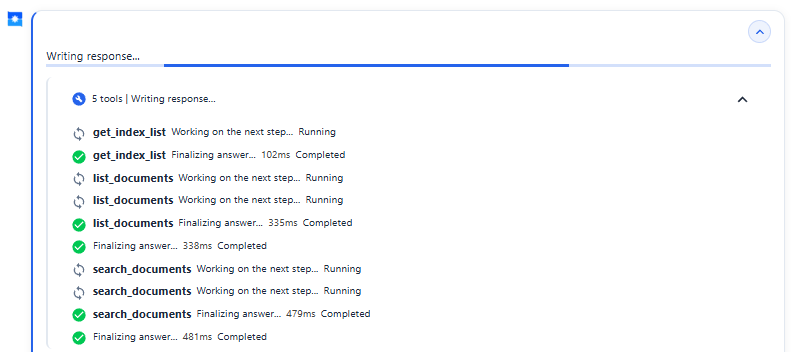
With 6.6.3, ask your question directly and HallianAI searches across every index, document, and piece of content available to you. It identifies the right source, searches progressively, and gathers what it needs to answer. Your team stops guessing where information lives and starts asking for it.
Role-based access stays firmly in control. HallianAI only searches what each person is authorized to see, so the right people get the right answers, and nothing else moves. That’s the same data governance every part of the platform is built on. You can read more about how HallianAI keeps your data under your control.
Put Recurring Work on a Schedule
Every firm has work that comes back around. The Friday project status report. The daily briefing. The weekly check of trusted websites for new solicitations. Agent Routines put an agent on the clock for that work.
Pick the agent, the model, the project, and the skills it should use. Set the schedule. The routine runs on time, saves its results, and keeps a history you can review, even when nobody is at a desk.
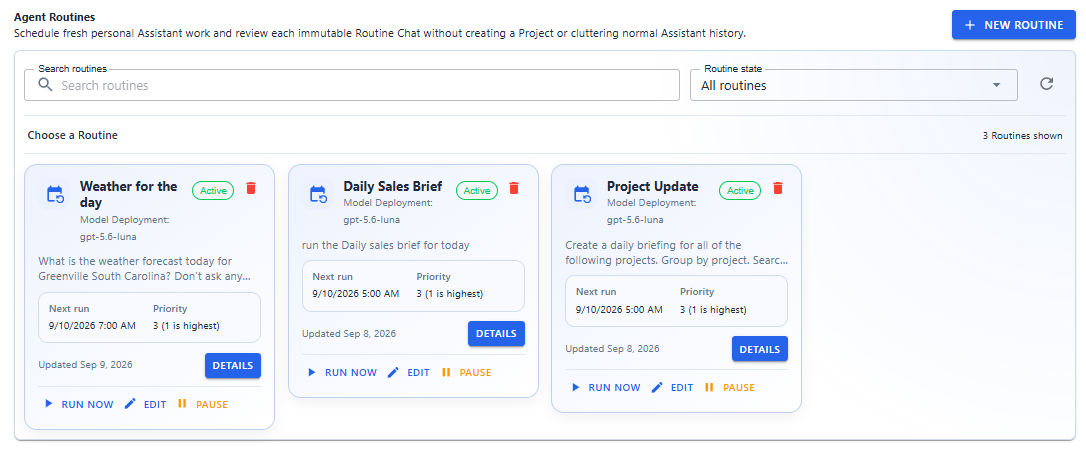
Routines are one part of a broader automation toolkit that also includes Deep Work and multi-agent Orchestrations. See how the pieces fit together.
Projects Bring More Work Into One Place
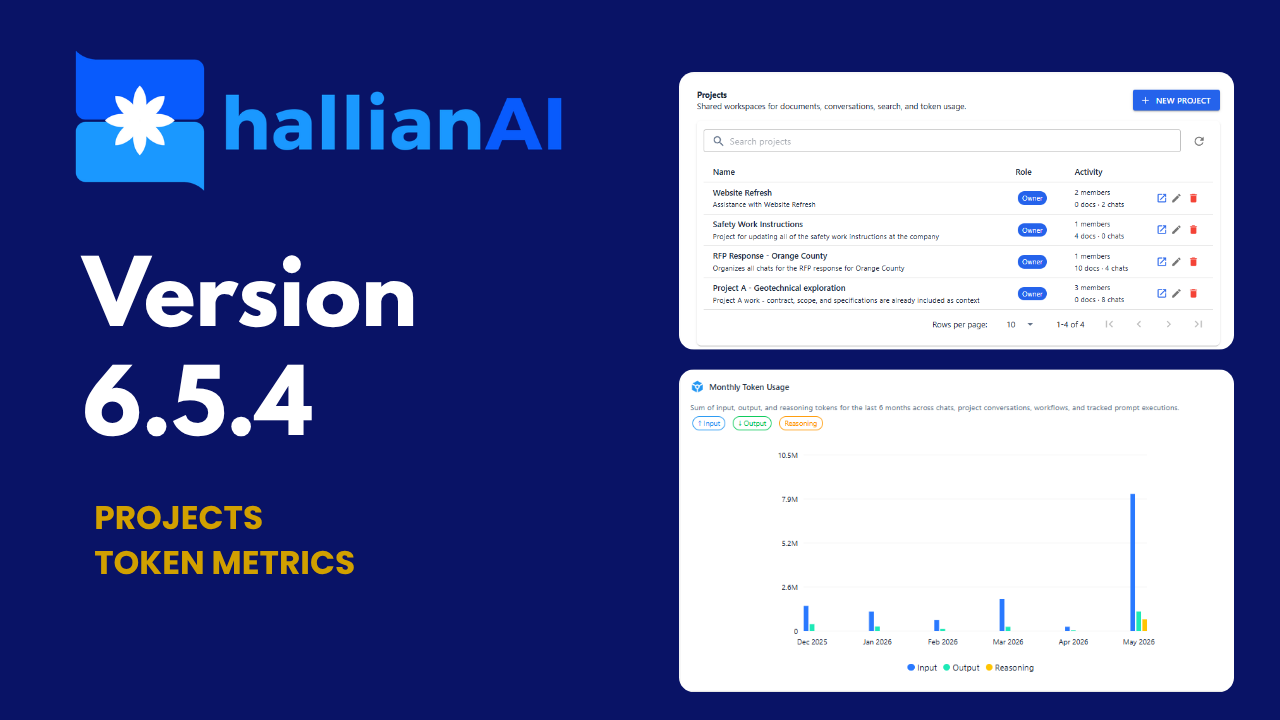
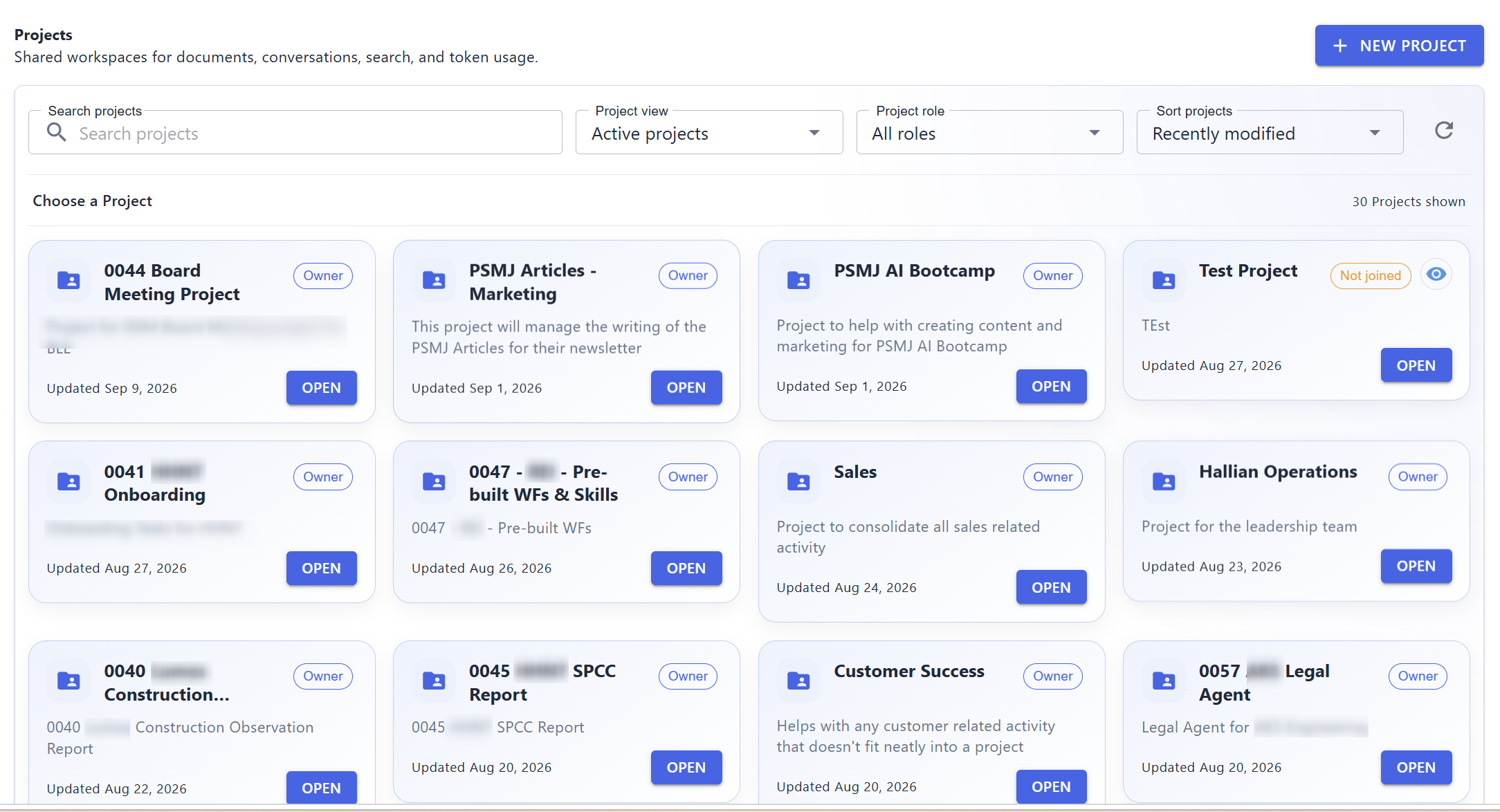
Projects are HallianAI’s AI-first answer to project management. The project, its tasks, its schedule, and its updates all live in one workspace, and you manage them in natural language. Collaboration is built in, because projects are shared by nature: everyone works from the same conversations, documents, tasks, and updates. You can see how Projects works within the platform.
This release sharpens the experience. A clearer, card-based view with improved filtering and sorting helps people find the right project fast. Project owners get more control over how work is tracked, with settings for task statuses, task types, and custom tags. And when a project wraps up but still needs to be retained, you can archive it instead of leaving it in the active view.
The updates log ties it together. It’s a running record of notes, decisions, and status reports for each project. Updates can be added through a conversation, generated with an agent’s help, and retrieved by agents later, so the context stays with the work.
Skills That Capture How Your Firm Works

Do the work once in HallianAI, the way you’d actually do it. Then ask HallianAI to turn that work into a skill. It builds the skill for you on the spot, instructions included, and follows your process every time that work comes around again.
That works at two levels. Organization skills package your firm’s standards once and assign them to the agents that need them: a proposal assistant that follows your proposal structure, a technical support agent that follows your process. Personal skills do the same for your own repeatable work, built the same way, ready the next time you need it.
HallianAI Learns How You Work
The more your team uses HallianAI, the better it works for you. With 6.6.3, HallianAI learns from your conversations over time: the formats you prefer, the standards you follow, the way you like your answers presented. There’s nothing to set up. Your people just work, and HallianAI adapts.
That learning stays inside your platform, on your infrastructure. And you stay in charge of it. You can view what HallianAI has learned, erase it, or turn personalization off entirely.
Also in This Release
- In-app Help Center: HallianAI documentation now lives inside the application
- APIs and Swagger documentation: for enterprise teams building custom integrations (Detailed post coming for this soon)
- SVG export: vector output for workflows that need scalable graphics
- PowerPoint improvements: more reliable presentation generation
- MCP improvements: clearer server and tool names, approval defaults, and OAuth configuration
Knowledge Search, Routines, and the rest of 6.6.3 are part of the platform your firm gets on day one. If you want to see how this would work with your team’s projects and documents, talk to us. We’re happy to walk through it.